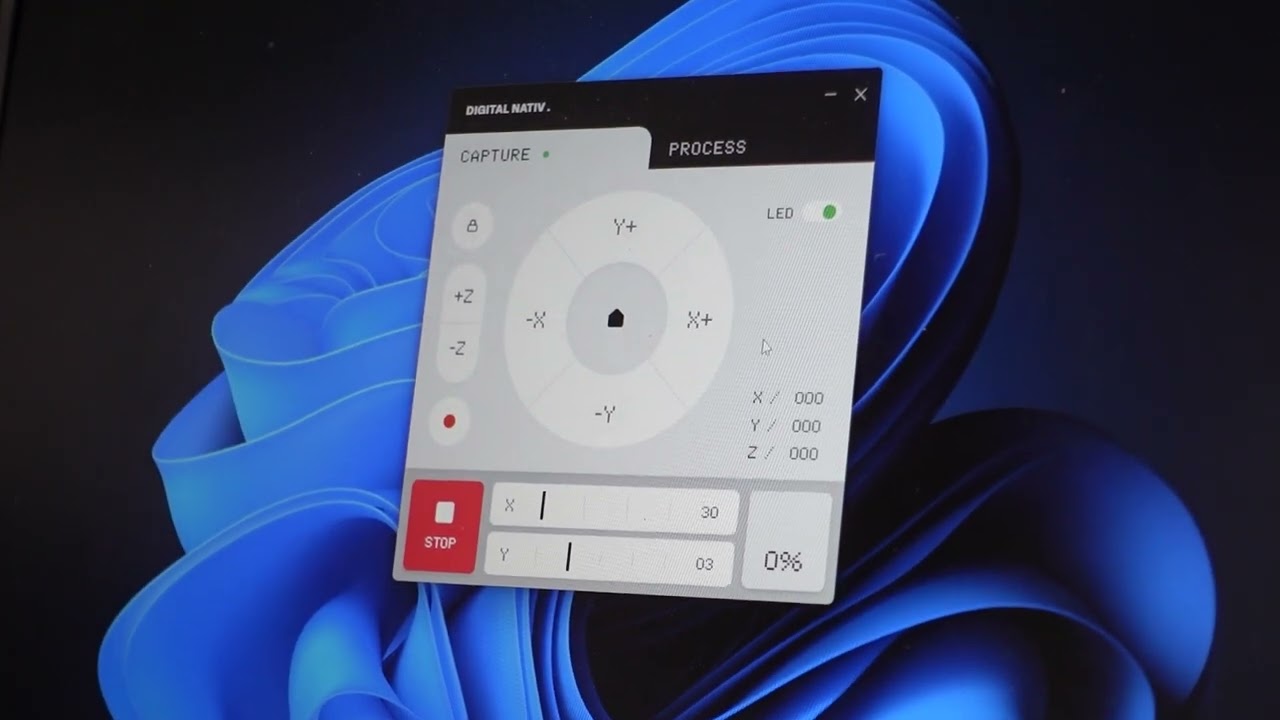
Dizzy Duck Scanner
Custom 3D scanning system based on the open‑source scAnt project. This scanner combines hardware with advanced photogrammetry techniques to capture detailed digital models of physical objects. By leveraging open technology and adapting it to the client's needs.
- Client:Dizzy Duck
- Project type:Full Device
- Solution:ESP32, Electron UI, Python Communication
- Date:January 2026
Capture tab
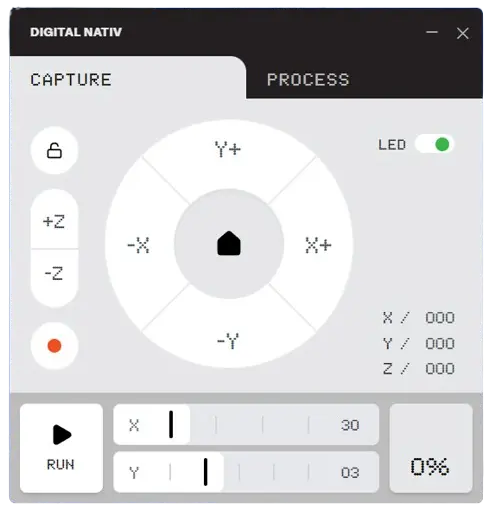
Capture tab
The Capture tab provides manual control over the scanner’s movement system. It lets you adjust the X, Y, and Z axes with fine‑tuned steps, set home positions, and lock coordinates. This interface ensures precise alignment of the contraption before starting a scan, giving you full control over positioning and calibration.
Process tab
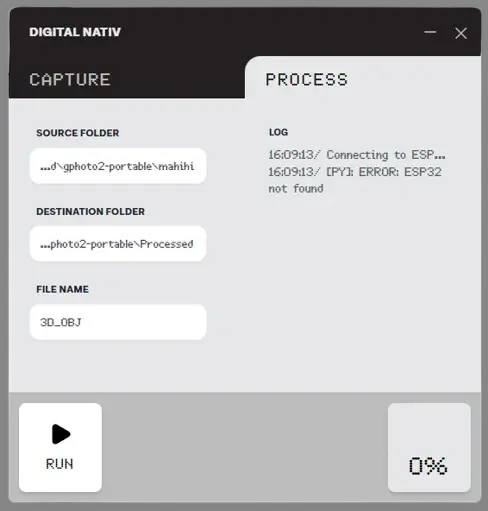
Process tab
The Process tab handles the data workflow after capture. It lets you define source and destination folders, set file names, and run the processing pipeline. A built‑in log window shows real‑time system messages, making it easy to monitor connections and troubleshoot issues while the scan is being converted into a 3D object.
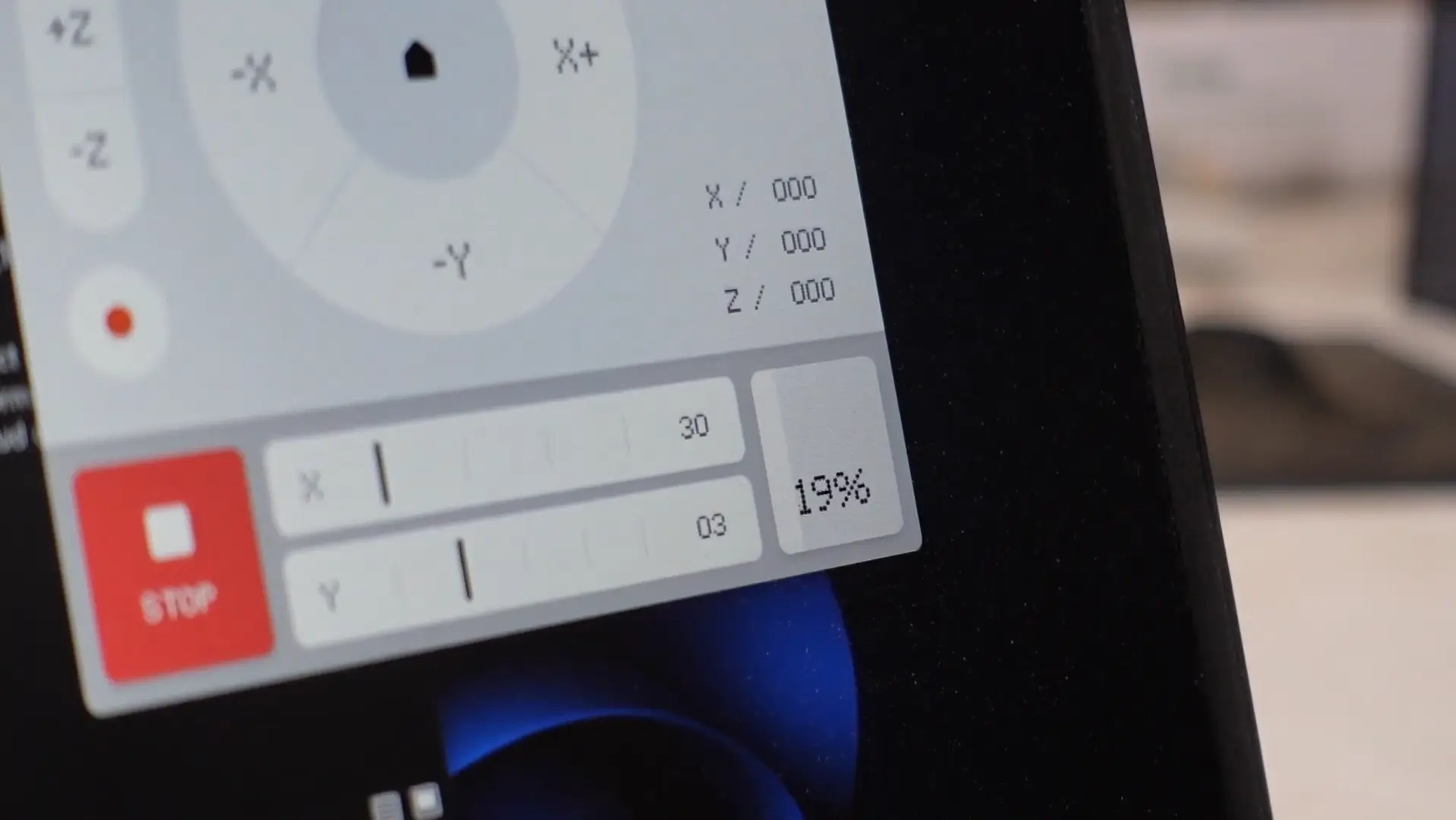
Pressing run on capture tab will run the capturing automation.
Pressing run on capture tab will run the capturing automation.
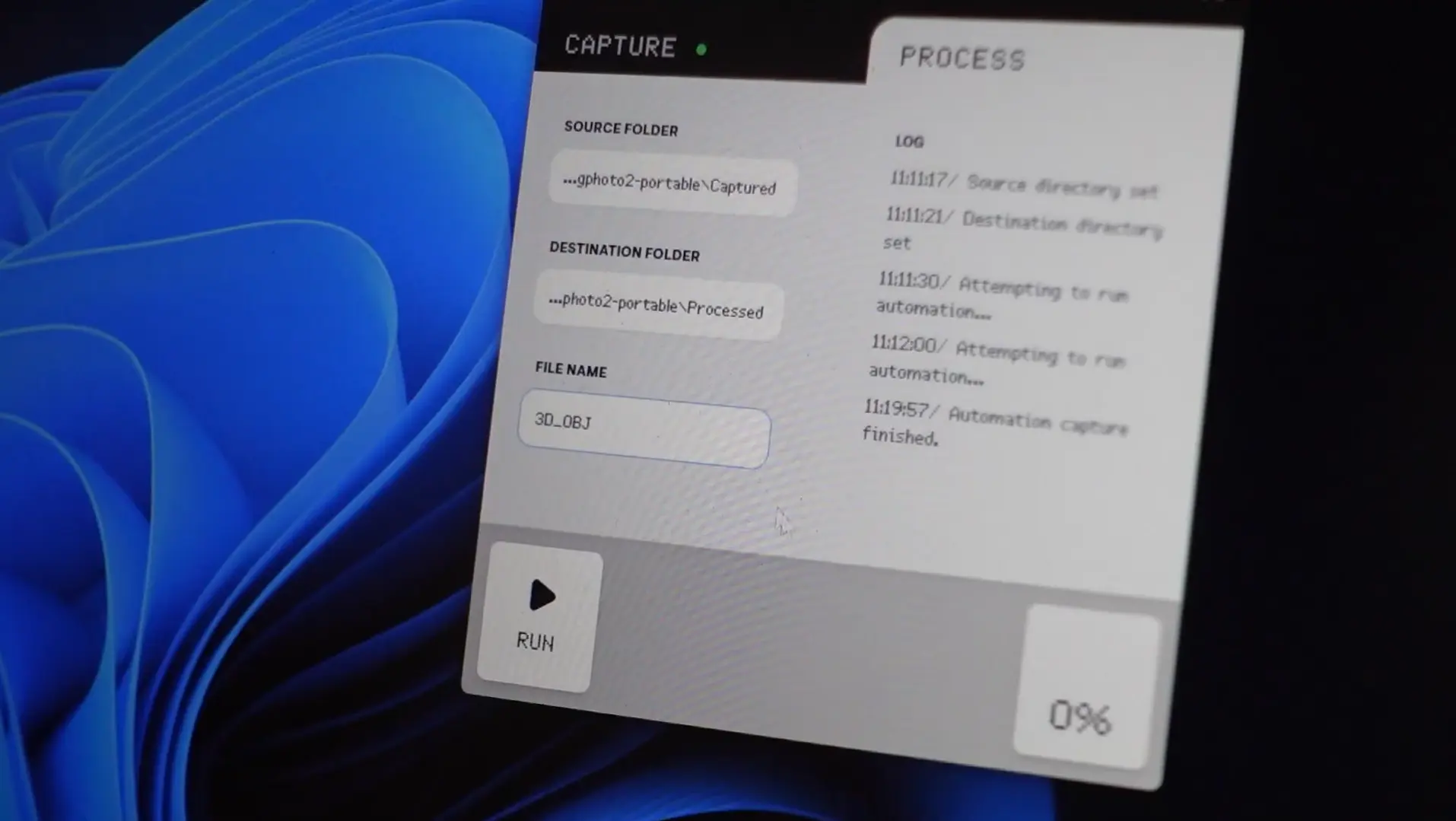
Pressing run on process tab will run the python script to generate 3D object
Pressing run on process tab will run the python script to generate 3D object
The final outcome and how it resonated with the audience.
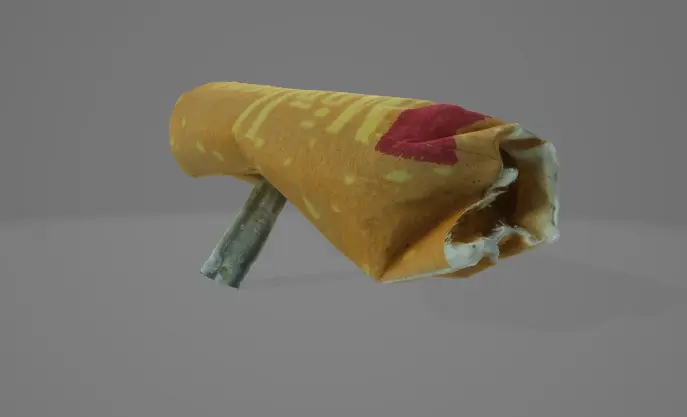
3D Object
3D Object
The Obj file will be generated inside the destination folder